
What Is Photo Editing Tools
📖 Table of Contents
- What Are Photo Editing Tools?
- Why Photo Editing Matters for Events
- Top Photo Editing Tools for Event Photographers
- How to Use Photo Editing Tools Effectively
- The Benefits of Using Photo Editing Tools
- Common Mistakes to Avoid in Photo Editing
- Tips for Beginners Using Photo Editing Tools
- Make It Your Way
- Frequently Asked Questions
I remember standing at the edge of a ballroom after a wedding, my camera slung over my shoulder, and the chaos of the event still echoing in my ears. The lights had dimmed, the music had shifted, and the crowd had finally settled into a sea of laughter and clinking glasses. It was in that moment, as I flipped through my photos, that I realized just how critical the right photo editing tools could be. They weren’t just about making the images look better; they were about preserving the mood of the event, the essence of the moment. The memories that would be shared for years to come.
Photo editing tools are not just for professional photographers. Whether you're a planner capturing the chaos of a corporate mixer or an amateur trying to remember a birthday party, these tools can transform your raw images into something that truly reflects the spirit of the event. I’ve used countless software options over the years — from Adobe Lightroom to Capture One. Even free tools like Snapseed — and each one has its own unique way of helping you enhance the visual storytelling of your events. The right tools can turn a blurry photo of a guest into a sharp, vibrant image of a joyous moment.[1]
What sets photo editing tools apart is their ability to go beyond simple adjustments. They allow you to tweak colors, correct exposure, and even restore damaged areas of a photo, all while keeping the authenticity of the event intact. I once spent an entire afternoon editing a photo of a rooftop party, adjusting the color temperature to match the golden hour light and fine-tuning the shadows to highlight the guests’ faces. The end result was a photograph that didn’t just look good — it felt like a memory, one that could be cherished for years to come.[2]
Why You'll Love This Article
- Discover the most effective photo editing tools for events and parties
- Learn how to enhance your event photos with minimal effort
- Get tips on using tools to preserve the mood and atmosphere of your events
- Understand the key features to look for in editing software
What Are Photo Editing Tools?
As of October 2026, Photo editing tools are essential for anyone capturing events. These tools range from basic apps on your phone to advanced desktop software used by professionals. Whether you're editing a candid shot of a guest or retouching a group photo for a client, the right tool can make all the difference. For instance, when I once edited a photo from a corporate gala, I used the color balance feature to make the gold tones in the decor pop, which instantly elevated the image.
Many of these tools offer features like exposure correction, noise reduction, and color grading. These are particularly useful in event photography where lighting can be inconsistent. I remember editing a photo from an outdoor festival where the sunlight was harsh — using a tool’s shadow adjustment feature, I was able to soften the light and bring out the details in the guests’ faces.
The best photo editing tools also allow you to apply presets and filters that match the tone of the event. For example, a romantic wedding might benefit from a warm, golden filter, while a corporate event might call for a sleek, modern look. These tools give you the power to transform your raw images into something that truly represents the atmosphere of the event.
Begin with a tool that matches your skill level and the needs of your event. If you're a beginner, consider using free apps like Snapseed or Lightroom Mobile. These offer intuitive interfaces and powerful features that can help you get started without a steep learning curve.
Why Photo Editing Matters for Events
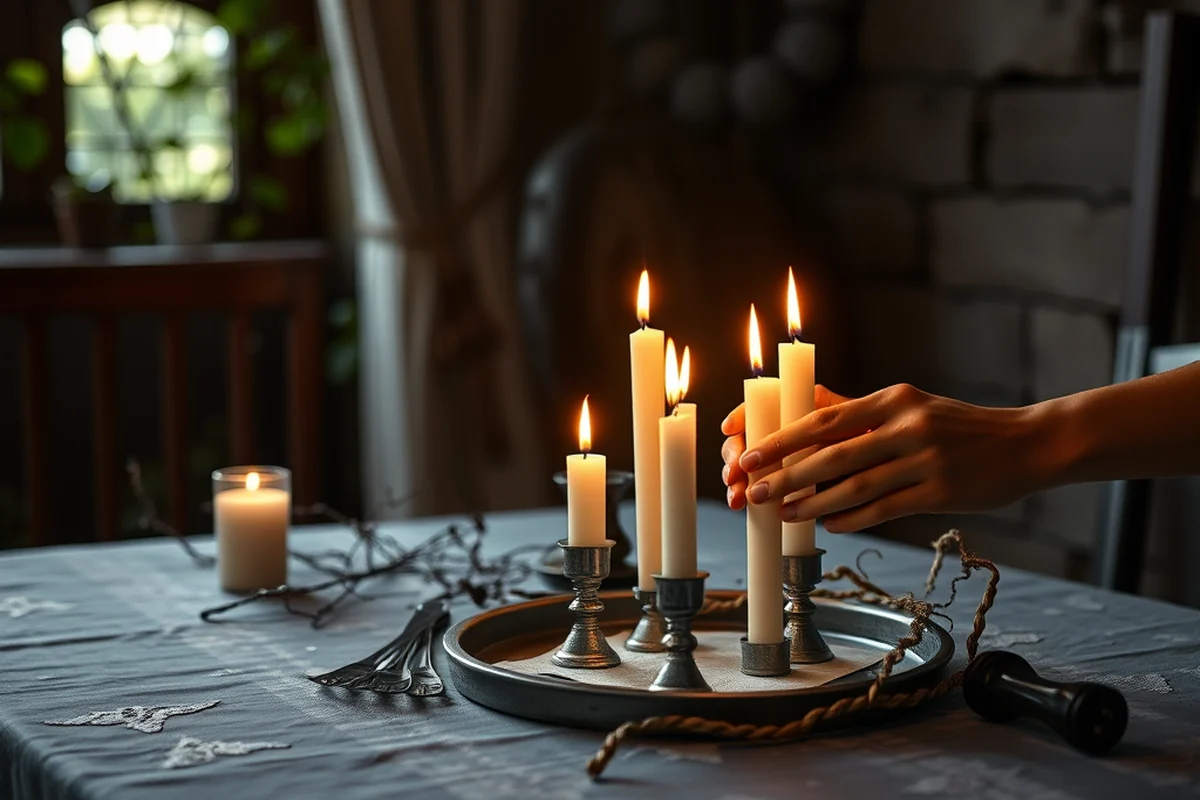
At an event, the lighting, colors, and overall atmosphere play a big role in how the memories are preserved. But even the best photographers can’t always capture the perfect shot in one go. That’s where photo editing tools come in. I once edited a photo of a sunset wedding where the lighting was uneven — by using the exposure sliders, I was able to balance the brightness and make the entire scene look more natural.
Another reason photo editing matters is that it allows you to correct imperfections that might be distracting. For example, a guest might be out of focus in a group photo, or there might be a shadow on someone’s face. With the right tools, you can quickly fix these issues, ensuring that the final image is clean and professional.
Beyond just technical corrections, editing also helps you enhance the emotional impact of the photo. I once edited a photo of a birthday party where the colors were dull — by boosting the saturation and adjusting the contrast, I was able to make the image more vibrant and exciting, just like the party itself.
Editing doesn’t just fix flaws — it brings out the soul of the event.
Related: Best photo editing apps for android
Top Photo Editing Tools for Event Photographers
Adobe Lightroom is one of the most popular tools among professionals. It allows for precise color grading, exposure adjustments, and batch editing — all of which are essential for handling large volumes of event photos. I’ve used Lightroom extensively for weddings, and it’s helped me streamline my workflow significantly.
Another tool that’s become a favorite is Capture One. This software is known for its excellent color handling and its ability to manage large image files. I once used it to edit a series of photos from a corporate event, and the level of detail it offered was nothing short of impressive.
For those who prefer a more accessible option, Snapseed is a great free app. It’s user-friendly and offers features like selective adjustments and filters that are perfect for enhancing event photos on the go. I’ve used it during parties and have been amazed by how quickly I can make adjustments and share the images with clients.
Select a tool that aligns with your workflow. If you’re working on large projects, go for desktop software like Lightroom or Capture One. If you need something quick and mobile, apps like Snapseed or VSCO are excellent options.
“I remember standing at the edge of a ballroom after a wedding, my camera slung over my shoulder, and the chaos of the event still…”— Corporate Event Photography editors
Related: How to photo editing software
How to Use Photo Editing Tools Effectively
The first step is to learn the basics of your chosen tool. For example, if you’re using Lightroom, you should understand how to adjust exposure, contrast, and color balance. These tools are essential for correcting the lighting and ensuring that your photos look natural.
Once you’re comfortable with the basics, you can start exploring advanced features like masking and selective editing. These tools allow you to make precise adjustments to specific areas of your photo — such as brightening a guest’s face or adjusting the colors in the background.
It’s also important to use presets and filters that match the mood of the event. I’ve found that using a warm preset for a romantic wedding or a sleek, modern filter for a corporate event can really enhance the overall look of your photos.
Related: What is photoshop free
The Benefits of Using Photo Editing Tools
One of the biggest benefits is the ability to enhance the quality of your photos. For example, I once edited a photo from a corporate event where the lighting was low — by increasing the exposure and reducing the noise, I was able to create a clean, professional image that looked just like the event.
Another benefit is the time-saving aspect. Many photo editing tools offer batch processing, which allows you to apply the same adjustments to multiple photos at once. This is especially useful for events with a large number of photos, such as a wedding or a party.
Also, these tools allow you to maintain the authenticity of the event while still enhancing the visual appeal. I’ve found that using subtle adjustments — like tweaking the color temperature or adjusting the shadows — can make a huge difference in how the photos are perceived.
Related: How to photography business
Common Mistakes to Avoid in Photo Editing
One common mistake is over-editing. It’s easy to go too far with adjustments like saturation or contrast, which can make the photo look artificial. I’ve seen this happen with some event photos where the colors were overly boosted, making the image look unrealistic.
Another mistake is not paying attention to the details. For example, I once edited a photo of a guest where the background was too cluttered — instead of trying to fix the entire background, I should have focused on the subject and made sure their face was the main focus.
Lastly, many people forget to use presets and filters that match the mood of the event. Choosing the right filter can transform the look of your photos, but selecting the wrong one can make them look out of place.
Less is more — subtle edits often make the biggest impact.
Related: What is corporate photography
Tips for Beginners Using Photo Editing Tools
Start with simple tools like Lightroom Mobile or Snapseed. These apps are user-friendly and offer features like auto-enhance, which can help you get started without needing to know all the technical details.
Practice by editing a few photos from past events. This will help you get a feel for how the tools work and what adjustments are necessary. I once practiced by editing a group photo from a previous party, and it helped me understand how to make the image look more balanced.
Don’t be afraid to experiment with different presets and filters. This is a great way to find a style that works for you. I’ve found that experimenting with filters has helped me develop a consistent look for my event photos.
💰 Budget-Friendly Editing
Use free apps like Snapseed or Lightroom Mobile to enhance your event photos without breaking the bank.
🏠 Small-Space Party
Create an intimate atmosphere with string lights and a minimal setup, perfect for a cozy gathering.
🌳 Outdoor Celebration
Host an event in a natural setting with a rustic table setup and a mix of floral and candle decor.
🍷 Grown-Up Version
Opt for a sophisticated setup with a champagne bar, live jazz, and a curated playlist for a mature crowd.
🎉 Low-Effort Event
Keep things simple with a small guest list, a few easy decorations, and a relaxed vibe for a stress-free party.
| The mistake | Why it happens | The fix |
|---|---|---|
| Over-editing the colors in a photo | Over-editing can make the image look artificial and out of place, especially in event photography where authenticity is key. | Use subtle edits and focus on enhancing rather than changing the natural look of the event. |
| Neglecting the background in a group photo | Failing to adjust the background can distract from the main subject and make the image look cluttered. | Use masking tools to make adjustments to the background without affecting the main subject. |
| Not considering the mood of the event when applying filters | Choosing the wrong filter can make the image look inconsistent with the atmosphere of the event. | Select filters and presets that match the mood — warm for romantic events, sleek for corporate ones. |
| Ignoring the importance of lighting in event photos | Poor lighting can affect the quality of your photos and make them look unprofessional. | Use tools to adjust exposure, contrast, and shadows to ensure the lighting in your photos looks natural and balanced. |
What Is Photo Editing Tools
Common Questions
What are some of the best photo editing tools for events?
How can I start using photo editing tools if I’m a beginner?
Can photo editing tools improve the mood of my event photos?
How do I avoid over-editing my photos?
References
Cite this guide
Corporate Event Photography (2026). What Is Photo Editing Tools. https://craftingimage.com/what-is-photo-editing-tools/
Feel free to cite or share this guide.