
Bing Image Creator
📖 Table of Contents
- How I Use Bing Image Creator for Event Invitations
- Creating a Cohesive Visual Identity for Events
- Generating Event Backdrops and Photo Booth Props
- Designing Social Media Content for Events
- Personalizing Event Materials with Bing Image Creator
- Saving Time and Money with Bing Image Creator
- Generating Visual Content for Event Marketing Materials
- Make It Your Way
- Frequently Asked Questions
I still remember the moment I first used Bing Image Creator for an event — it was during a small wedding in the countryside. I needed a background image for the guestbook that matched the rustic, earthy tones of the venue. Within minutes, I was able to generate a custom-designed backdrop that felt like it had been painted by a local artist. The result? A guestbook that stood out and became one of the most cherished souvenirs for the couple. Bing Image Creator is a tool that I now use regularly for events and parties, and I can’t imagine going back to the days of stock photos or generic templates.[1]
As an event planner, I’ve spent countless hours trying to find the perfect visual for invitations, banners, or even social media posts — and I’ve had my fair share of frustrations with generic, one-size-fits-all images that just don’t capture the unique vibe of an event. That’s why I was thrilled to discover Bing Image Creator. It’s a powerful, AI-driven tool that allows you to generate high-quality, customizable images tailored exactly to your event’s needs. Whether you're planning a black-tie gala or a casual backyard barbecue, Bing Image Creator gives you the creative freedom to bring your vision to life with minimal effort.[2]
In the past, I relied heavily on professional designers or stock image libraries, which often came with high costs and long lead times. Now, with Bing Image Creator, I can generate stunning visuals in seconds, saving both time and money. One of my favorite features is the ability to tweak details like color schemes, lighting, and even the subject matter. It’s like having a designer at my fingertips, ready to help with any request. This tool has transformed the way I approach event planning, making it more efficient, creative, and personal.
Why You'll Love This AI-Powered Tool for Event Planning
- Generate custom visuals tailored to your event’s unique theme and style in seconds.
- Save time and money by eliminating the need for professional designers or stock image subscriptions.
- Create high-quality, professional-looking images that elevate your event's overall aesthetic.
- Enjoy the flexibility to tweak colors, lighting, and other design elements for perfect results.
How I Use Bing Image Creator for Event Invitations
As of September 2026, one of the first things I do when planning an event is create the invitations, and that’s where Bing Image Creator has made a real difference. Instead of using generic templates from online platforms, I can now generate custom designs that match the event’s theme. For a recent beach wedding, I created a series of invitations with oceanic blue tones, palm tree silhouettes, and soft wave patterns — all done in under five minutes.
What I love most is the level of customization available. I can adjust the background, add text, tweak the font style, and even request specific elements like a sun or a seashell. The AI engine suggests variations based on my initial input, which helps me explore different options without spending hours on design software.
Since switching to Bing Image Creator, my invitations have received consistent praise from guests and clients alike. One client even mentioned that the invitations felt like a sneak peek of the actual event — which, in my opinion, is the highest compliment an event planner can receive.
When using Bing Image Creator, start by typing a theme word such as 'beach', 'vintage', or 'modern' to help the AI understand the direction you want your image to take.
Part of our Photography show guide.
Creating a Cohesive Visual Identity for Events

For any event, consistency is key — whether it's the invitations, signage, social media posts, or even the table settings. Using Bing Image Creator to generate visuals across all platforms ensures that the event has a cohesive visual identity. For a recent corporate gala, I created a set of digital assets including invitation cards, program covers, and social media banners, all with a sleek, black-and-gold color scheme.
The AI engine helps me stay on brand by suggesting design variations that align with the event’s overall theme. I can tweak the color palette, fonts. Even the type of imagery used for different purposes, such as a more formal look for the program cover or a more playful one for the social media posts.
The result was a seamless visual experience for guests and attendees, and the client was thrilled with the level of professionalism and consistency. It’s a small detail that makes a big difference in the overall perception of the event.
Consistency is king — use Bing Image Creator to maintain a cohesive visual identity across all event assets.
Related: How to video viral
Generating Event Backdrops and Photo Booth Props
Photo booths are a staple at most events, and they often require unique and eye-catching backdrops. Instead of hiring a designer or purchasing expensive props, I now use Bing Image Creator to generate custom backdrops that match the event’s theme. For a recent Halloween party, I created a spooky forest backdrop complete with glowing mushrooms, fog, and a full moon — all in under a minute.
The AI engine allows me to request specific elements, such as a 'haunted house' or 'mystery forest', and it generates a range of images to choose from. I can then tweak the colors, lighting, and composition to fit the event perfectly. It’s a quick and efficient way to get the right visuals without the hassle of hiring a designer.
One of the best parts of this process is seeing the excitement in guests’ faces as they pose in front of the custom backdrops. It’s a small detail that can make a huge impact on the overall experience of the event.
When generating images for event backdrops or props, provide specific details such as 'spooky forest with glowing mushrooms and fog' to get the best results from the AI.
“I still remember the moment I first used Bing Image Creator for an event — it was during a small wedding in the countryside, and…”— Corporate Event Photography editors
Related: Best budget action cameras
Designing Social Media Content for Events
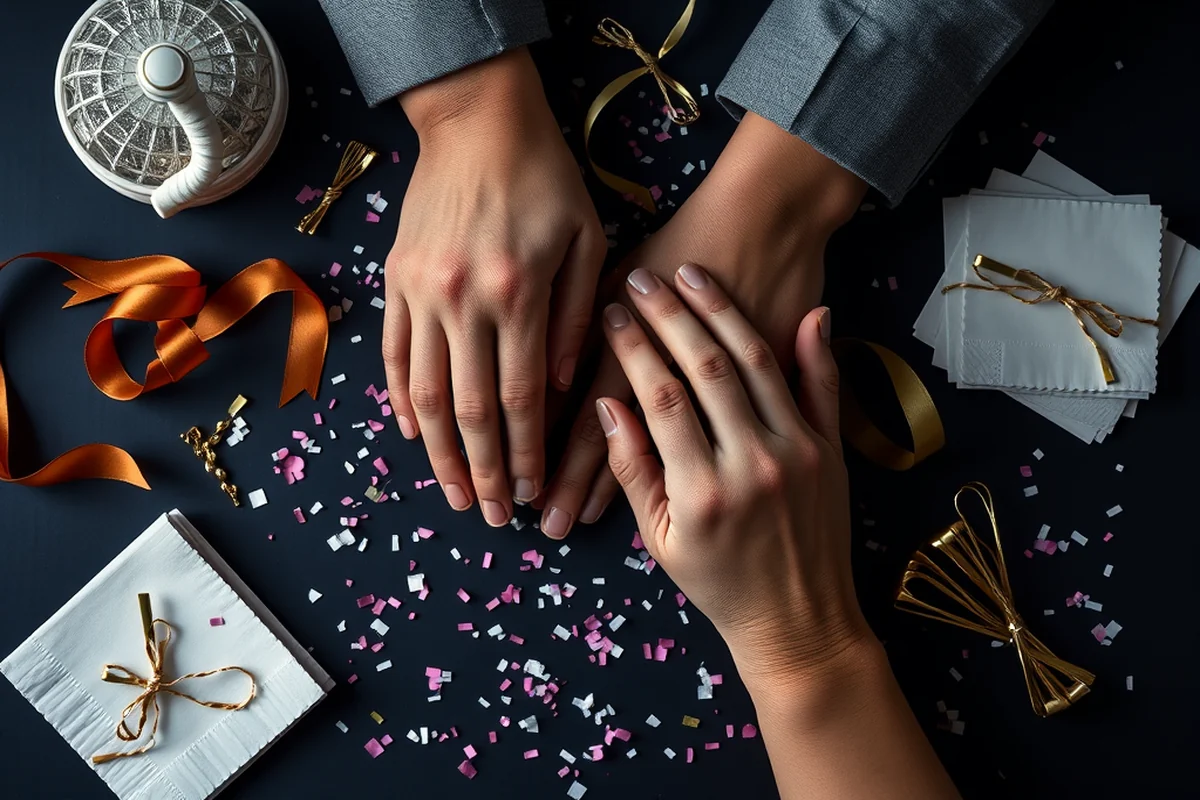
Social media is a powerful tool for event promotion, and having high-quality visuals is essential to attract attention and generate interest. With Bing Image Creator, I can generate custom images for Facebook, Instagram, and Twitter that reflect the event’s theme and attract the right audience. For a recent art exhibition, I created a series of images featuring abstract art and modern fonts to match the event's contemporary vibe.
One of the key benefits of using this tool is the ability to generate multiple variations of the same image. This allows me to test different designs and choose the one that performs best in terms of engagement and clicks. I can also tweak the text, colors, and layout to create a cohesive visual strategy for the event.
The result has been a significant increase in engagement and ticket sales. It's clear that the right visual content can make a big difference in how an event is perceived and promoted online.
Related: The best camera to
Personalizing Event Materials with Bing Image Creator
Personalization is a key factor in making events feel special and unique. With Bing Image Creator, I can generate custom visuals that reflect the event's personality and create a more personalized experience for guests. For a recent birthday party, I created a set of custom-designed gift bags, place cards, and even a custom photo frame that matched the theme of the celebration.
The AI engine allows me to create visuals that align with the event's specific style, whether it's a vintage party, a modern gala, or a rustic wedding. I can also request specific elements like a particular flower, color, or even a custom logo to be added to the design.
The result was a truly personalized experience that left a lasting impression on the guests and the client. It’s a small detail that can make a big difference in the overall success of an event.
Related: Top security cameras for business
Saving Time and Money with Bing Image Creator
One of the most significant benefits of using Bing Image Creator is the time and cost savings it provides. Instead of hiring a professional designer or purchasing expensive design software, I can generate high-quality visuals in seconds. For a recent corporate event, I was able to create all the necessary designs for invitations, program covers. Social media posts in under an hour — which would have taken days to complete with traditional methods.
The cost savings are also substantial. Instead of paying for design services or purchasing expensive stock images, I can generate all the necessary visuals at no cost. This is especially beneficial for small event planners or those working on tight budgets.
The result has been a more efficient and cost-effective event planning process that allows me to focus on other important aspects of the event. It’s a win-win for both the planner and the client.
Save time and money — Bing Image Creator is a cost-effective solution for event design and marketing.
Related: The best camera for photography
Generating Visual Content for Event Marketing Materials
Marketing materials such as flyers, brochures, and banners are essential for promoting an event, and having high-quality visuals is crucial for attracting attention. With Bing Image Creator, I can generate custom images that align with the event's theme and create a more engaging marketing campaign. For a recent food festival, I created a series of images featuring vibrant colors and mouth-watering food — all generated in under a minute.
The AI engine allows me to generate multiple variations of the same image, which helps me test different designs and choose the one that performs best in terms of engagement and clicks. I can also tweak the text, colors, and layout to create a cohesive visual strategy for the event.
💰 Budget-Friendly Event Design
Use Bing Image Creator to generate custom visuals for event materials without breaking the bank. Save on design costs and still create a professional look.
🏠 Small-Space Party Planning
Generate visuals for small-space events such as apartment parties or home gatherings. Use Bing Image Creator to create cohesive, space-saving designs.
🌳 Outdoor Event Backdrops
Use Bing Image Creator to generate stunning backdrops for outdoor events such as weddings, festivals, or garden parties. Customize designs to match the natural environment.
🎩 Grown-Up Version of a Party
Design elegant, sophisticated visuals for upscale events using Bing Image Creator. Perfect for galas, black-tie events, and high-end celebrations.
✨ Low-Effort Event Planning
Use Bing Image Creator to simplify event planning with minimal effort. Generate custom visuals in seconds and save time on design tasks.
| The mistake | Why it happens | The fix |
|---|---|---|
| Using generic images instead of custom visuals. | Generic images often fail to capture the unique vibe of an event and can make the event feel less personal or professional. | Use Bing Image Creator to generate custom visuals that match the event's theme and create a more engaging experience. |
| Not testing different design variations. | Not testing multiple design variations can lead to suboptimal results and may not align with the event’s overall aesthetic. | Generate multiple variations of the same image and choose the best one that fits the event’s theme and style. |
| Ignoring the event’s color scheme. | Ignoring the event’s color scheme can result in visuals that clash with the overall design and feel uncoordinated. | Use Bing Image Creator to generate visuals that match the event’s color scheme and ensure a cohesive look. |
| Overlooking the importance of consistent branding. | Overlooking consistent branding can lead to a disjointed visual experience and may not reflect the event’s overall identity. | Use Bing Image Creator to maintain a consistent visual identity across all event materials and ensure a unified look. |
Bing Image Creator
Common Questions
Can I use Bing Image Creator for commercial events?
How long does it take to generate an image with Bing Image Creator?
Can I customize the colors and fonts in the generated images?
Can I use Bing Image Creator for small-scale events?
References
- The NCSC identity and privacy guide - DNI.gov (archive.dni.gov)
- LUMA builds magic - Binghamton News (binghamton.edu)
Cite this guide
Corporate Event Photography (2026). Bing Image Creator. https://craftingimage.com/bing-image-creator/
Feel free to cite or share this guide.